Break LibreOffice Guides Break LibreOffice Guides
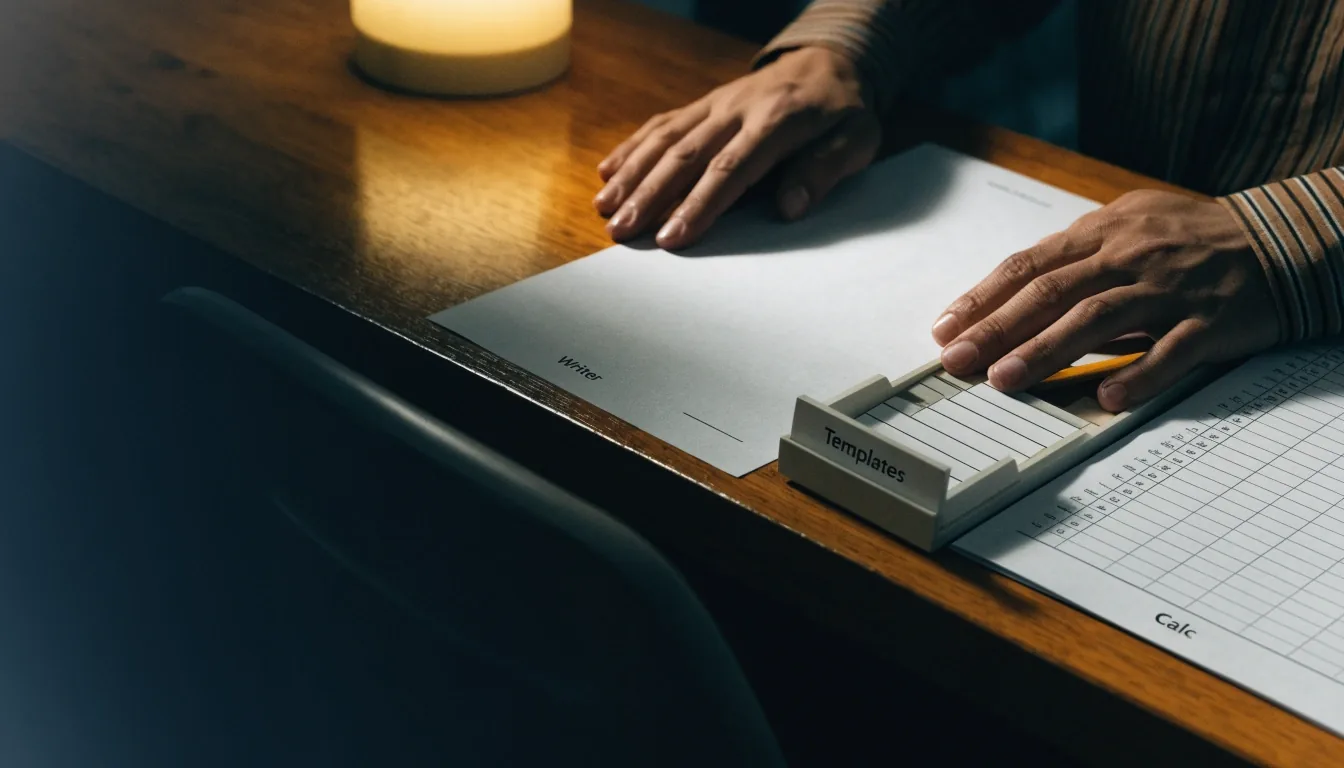
Hands working on a Writer sheet at a learner's desk with a Calc grid and template drawer in frame

About — Break LibreOffice Guides

One sheet at a time, the task gets done.

Break LibreOffice Guides explains who writes here — and how each guide is prepared, checked and updated.

An independent guide site for everyday LibreOffice work, written at a real desk and filed one task at a time.

Who runs Break LibreOffice Guides

Break LibreOffice Guides explains who writes here

Break LibreOffice Guides is a guide site about using LibreOffice for everyday office work. We cover Writer, Calc, Base, templates, styles, extensions, help, and Microsoft Office compatibility. This page explains who runs the site, how guides are prepared, and how we handle sources and updates.

Break LibreOffice Guides is an independent editorial site about LibreOffice use. It is not LibreOffice itself and not The Document Foundation. That distinction matters because our guides are our own explanations of documented features. Where we describe official manuals or help, we name them as the source.

You will not find a sales desk behind these pages. There is no shop selling the suite, no course to enrol on, and no download that changes what the guide says. The work here is reading the official help carefully, testing a step on a plain file, and writing it down in the order a person at a desk would do it.


Filed in sequence

Each sheet answers one everyday task

What this site covers

Practical work across the suite

The site covers practical tasks across the suite, from Writer formatting to Calc formulas and Base forms. It also covers styles, templates, Template Manager, Extension Manager, and built-in help. Microsoft Office compatibility is included because file exchange is a daily concern. Impress appears where help structure or a shared task requires it.

  • Writer — headings, styles, page setup and documents that stay tidy after edits.
  • Calc — entering data, formulas, sorting and printing a grid you can trust.
  • Base — small tables, forms and records for a single office or household.
  • Help and extensions — finding the built-in answer first, and using the official repository when an extension is genuinely needed.
A Writer sheet being formatted at the desk
Writer work, filed as a guide
A Calc grid sheet with values being entered by hand
Calc work, tested on a plain file

How guides are prepared

Follow the help, then test the step

Each guide starts from the current LibreOffice help or manual for the version named. We follow the steps as written, then test them on a plain file where possible. Menu names and dialog titles are copied as they appear. If a step differs by branch, we say which branch the wording belongs to.

That order matters. A guide that starts from memory tends to skip the dialog you actually meet. Starting from the help, then testing, keeps the wording close to the software and catches the step that only appears on a fresh file.

Sources and naming

Named sources, in the text

Official sources include the Getting Started Guide 25.2, Using Styles and Templates, Working with Templates, and the online help system. Release information for LibreOffice 26.8 and 26.8.2 comes from the download and release notes pages. We name those sources in the text so a reader can check them. We do not copy help pages word for word.

Naming the source is a small courtesy that does real work. If a menu name has changed, you can open the same manual we used and see why the guide says what it says. If the guide is wrong, the source shows where to correct it.

Printed templates stacked in an open desk drawer
Templates kept with the guides they support

How updates are handled

A dated guide is more honest than a silent rewrite

Version-specific pages are reviewed when a new branch lands. LibreOffice 26.8.2, dated 29 October 2026, is treated as the latest branch update for the pages that name it. Older guides keep their version label rather than pretending to be current.

When a step changes, the guide that names the old branch should say so, and the new wording should carry the new branch. Readers who are still on an earlier version need the step as it appears for them, not as it appears for everyone else. Keeping the label visible is the easiest way to respect both readers.

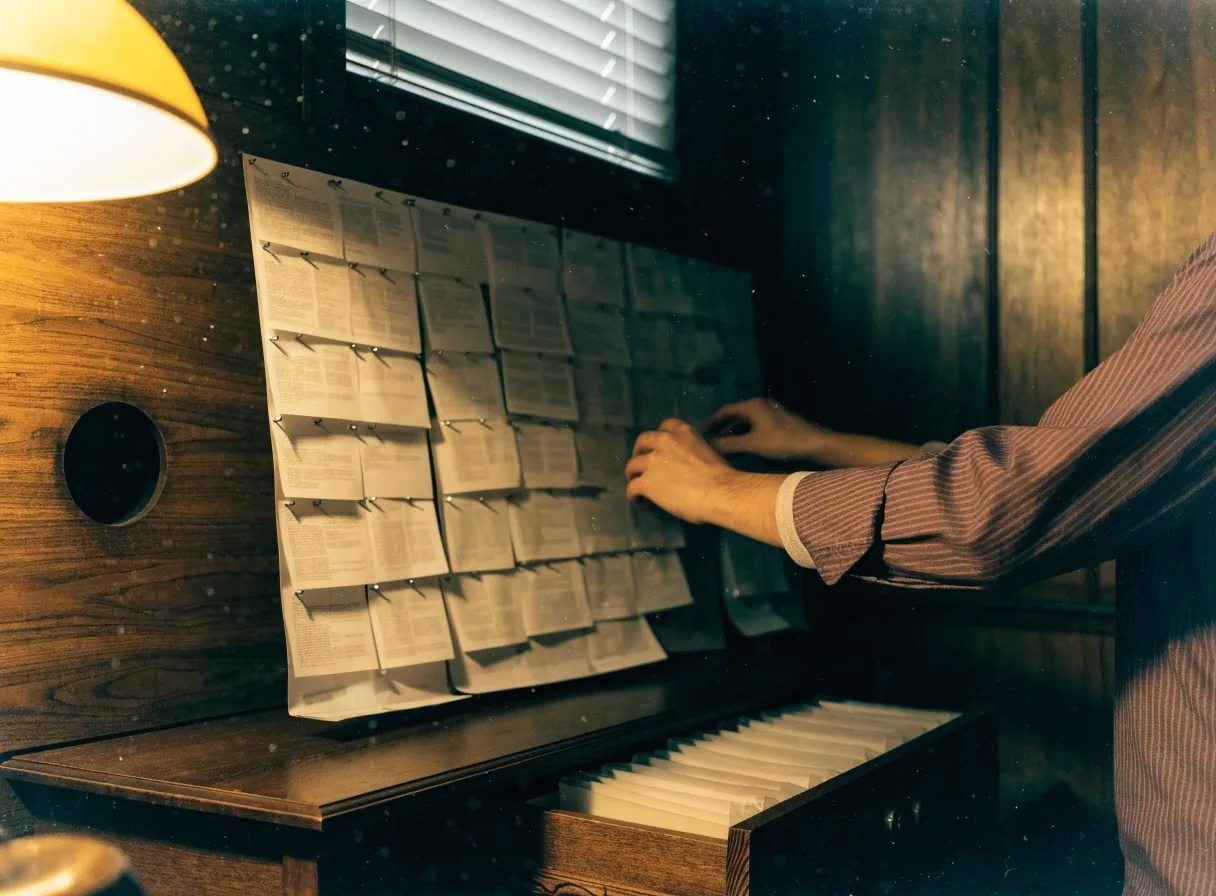
Help sheets filed in a walnut drawer under lamp light

The deeper the drawer, the more carefully a guide should name its limits.

Editorial choices

Choices that still work after the next update

What we do not do

We do not sell LibreOffice, which is offered as a free and private office suite. We do not sell extensions, templates, or courses through these guides. We do not invent user counts, ratings, or testimonials. If a claim needs a source we do not have, we leave it out.

Editorial choices you will notice

We favour styles and templates over one-off formatting tricks. We favour OpenDocument for working files and Microsoft formats for exchange copies. We favour built-in help and the official repository over random downloads. Those choices reflect long-term value: a setup that still works after the next update.

How experienced users judge a guide

Experienced users check version labels, exact menu names, and whether a step was tested. They also look for limits, such as where Base stops being suitable. Our guides try to meet that standard by naming branches and stating constraints. A guide that admits a limit is more useful than one that hides it.

Who these guides are for

They are for office workers, students, and small teams who use LibreOffice daily. Some readers are new to the suite, others have used it for years and need a specific workflow. The guides assume a normal desktop or laptop and a current branch. They do not assume programming knowledge.

Corrections welcome

Contact and corrections

Readers can send corrections, questions, or guide requests through the contact page. Corrections are welcome when a menu name or step has changed. We ask for the LibreOffice version and the exact wording you saw. That detail lets us check the step against the right branch.

The privacy policy and cookie policy explain how this site handles personal data and cookies. Those pages are part of the site, not an afterthought. If a contact form is used, the privacy policy is linked from the site. We keep that link visible for the same reason we keep version labels visible.

Break LibreOffice Guides, 42 Grafton Street, Dublin 2, Ireland — info@break.ie — Monday to Friday, 9:00 AM to 6:00 PM. The site idea is simple: one task, one sheet, worked through in sequence. Finish the step in front of you, check the result, then move on.