Break LibreOffice Guides Break LibreOffice Guides
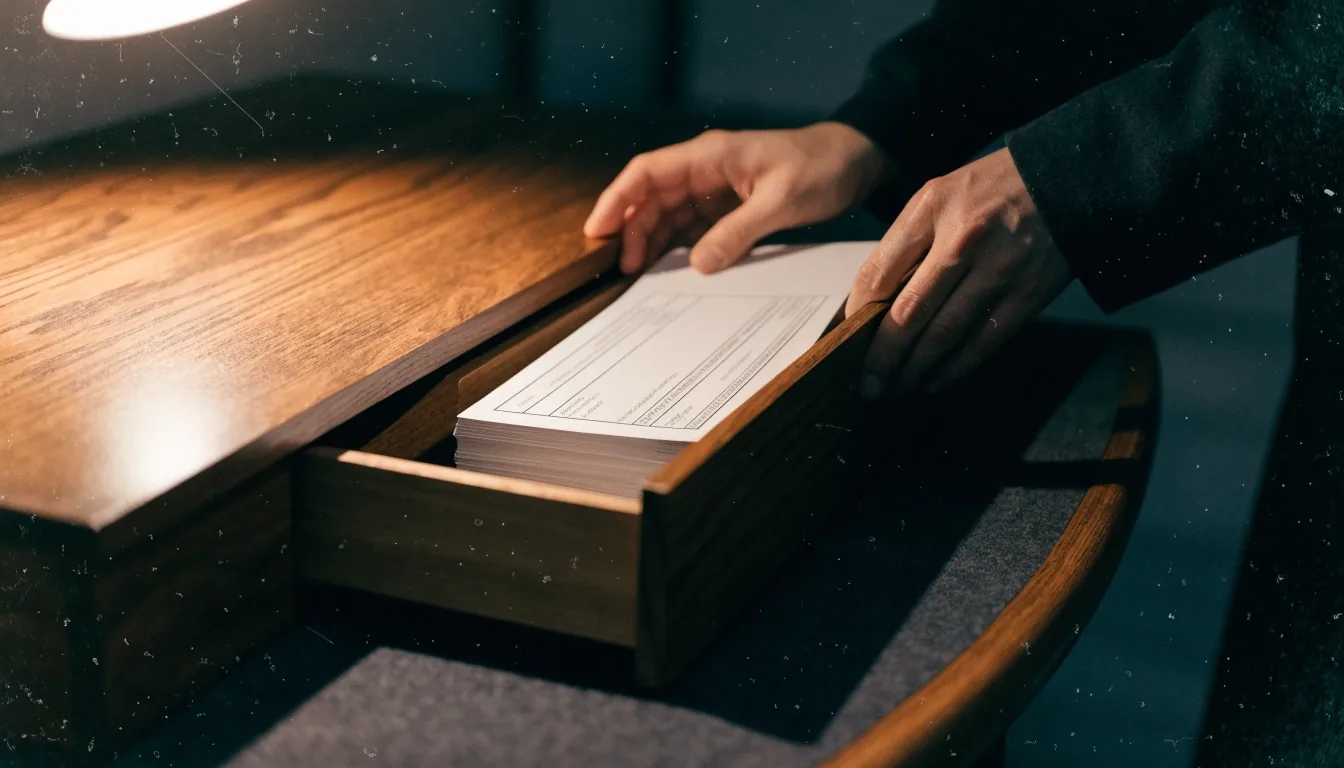
Hands working on a Writer sheet at a learner's desk

Break LibreOffice Guides — Contact

One sheet at a time, the task gets done.

Based in Dublin, Ireland. This page is where a correction, a question, or a guide request goes — and how we check it before anything changes on the site.

Send a message

Send a correction or a guide request

Use this page to send a correction, a question, or a guide request about LibreOffice. Break LibreOffice Guides is based in Dublin, Ireland, and reads every message described here. Please include the guide title, your LibreOffice version, and the exact wording or step you mean. That detail makes a reply useful.

File it correctly

What to send, and how to phrase it

Short and factual messages get the fastest useful replies. You do not need a long backstory about your office. The task, the version, and the exact wording are enough.

A Writer sheet being formatted on the desk
CorrectionQuestionGuide request

What to send through the contact form

Send a correction when a menu name, step, or version label looks wrong. Send a question when a guide does not cover your task. Send a guide request when a Writer, Calc, Base, template, or compatibility topic is missing. One clear subject line helps us route your message.

Version matters

Include your LibreOffice version

The version matters because menu wording changes between branches. LibreOffice 26.8.2 is the branch update named on this site as of late October 2026. Tell us the version from Help, About LibreOffice, or the version shown in your app. A step that fails on one branch may work on another.

Values being entered into a Calc grid sheet
A printed table sheet beside filed records

Make it reproducible

Describe the step you tried

Quote the error message or dialog title exactly as it appears. Say which app you used, such as Writer, Calc, or Base. Mention whether you used built-in help with F1 or online help. That description lets us reproduce the issue on a test file.

A useful request names the task, not only the app. For example, mail merge with a Calc list, or a Base form for a client register. Tell us the file format you must exchange, such as DOCX or XLSX. That context shapes whether a guide should focus on OpenDocument or compatibility.

Contact form

Write to the desk in Dublin

Fields marked with an asterisk are required. Keep the subject to the guide topic so we can act on it. Please do not send files or personal data you do not need to share.

We use this only to reply to your message.

Do not include sensitive personal information, payment details, or account passwords. A short description and a version number are safer than an attachment.

You will receive confirmation once your message is received. Keep a copy of the guide title and version you mentioned.

Handle with care

What not to send, and where else to look

Help sheets filed in a walnut drawer

Privacy for contact messages

The privacy policy explains what personal data the site collects and how contact messages are handled. Do not include sensitive personal information in a guide question. If a message contains personal data, it should be limited to what is needed to answer.

Read the privacy policy

What not to send

Please do not send downloads, macros, or files from unknown sources. Do not send payment details or account passwords, because we do not process payments through this site. A short description and a version number are safer than an attachment. If a file is essential, ask first and we will advise.

Alternatives for official LibreOffice support

For official help, use the LibreOffice online help system, organised by Writer, Calc, Impress, and other apps. Press F1 for built-in help when it is installed. For downloads and release notes, use the main LibreOffice download site. Those sources are authoritative for the suite itself.

Printed templates stacked in an open drawer
Two file sheets side by side on the desk

Common questions

Before you write

Thank you for helping keep the guides accurate. If we ask a follow-up question, the copy of the guide title and version you mentioned helps you answer quickly.

How do I report a correction to a guide?

Use the contact form, name the guide and your LibreOffice version, and quote the step or wording that looks wrong. Corrections are checked against LibreOffice help or the manual for that branch.

Can I request a new LibreOffice guide?

Yes. Describe the task, the app you use, and any file format you must exchange, such as DOCX or XLSX. A specific task is easier to turn into a guide than a general topic.

What if my install is broken?

Use the official LibreOffice help and download pages first — they are the faster route for a broken install. This site is a guide, not a support desk, so urgent work should not depend on a reply here.